How to Restore Old Family Photos Without Losing the Original
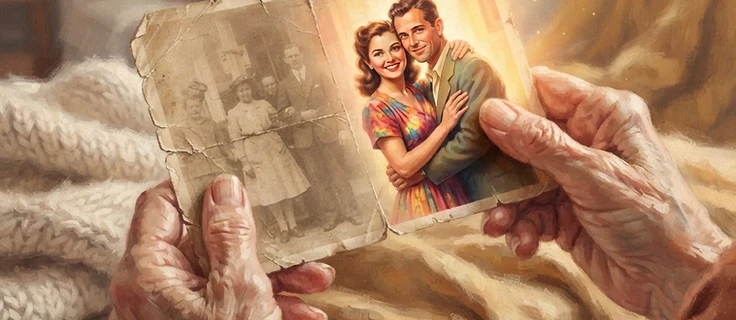
My grandmother's wedding photo lived in a shoebox for sixty years. By the time I found it, the colors had gone soft and yellow, there was a crease across the middle, and a water stain had eaten into one corner. I was afraid to touch it — like handling it might make it worse. But I also knew that if I did nothing, it would only keep fading. The good news, which took me a while to learn, is that you don't have to choose between saving a photo and keeping the original safe.
How can you restore an old family photo without damaging the original print?
Photograph or scan the original photo first to create a digital backup, then use AI photo restoration software to reduce noise, scratches, and fading digitally — the original print is never altered. Letusallcelebrate's Revive feature restores old photos this way and provides a before/after comparison so you can accept or discard the result.
The first rule: don't fix the print, copy it
The biggest mistake people make is trying to restore the physical photo itself — wiping it, pressing out creases, taking it apart. Don't. Old prints are fragile, and well-meaning hands do more damage than sixty years in a box did. What you want is a digital copy. You work on the copy. The original stays exactly as it is, safe and untouched.
How to get a good digital copy
- Scan, don't photograph. A flatbed scanner at 600 dpi captures far more detail than a phone camera, especially for small or faded prints. If you only have a phone, lay the photo flat in even, indirect daylight — no flash, no direct sun.
- Scan the back too. Old photos often have dates, names, or studio stamps on the back. That information is part of the story.
- Do them in batches. If you have a stack, don't let it overwhelm you. Ten at a time is plenty. The point is to start.
What restoration can actually do
A good restoration can soften the yellowing, reduce scratches, smooth out creases, and gently bring back the tones that faded — all while keeping the faces and the feeling of the original. The goal isn't to make an old photo look new. It's to make it look like itself again, the way you remember it.
That's what I had in mind when I built the Revive feature in Letusallcelebrate. You photograph or scan an old print, and it gently restores it — reducing noise, scratches, and fading while preserving the likeness. You can even place it in a different era's style, or add a quiet ambient sound and a reflective prompt, so the restored photo becomes something you sit with, not just a file you save. Three restorations are free every month.
Keep both
When it's done, keep the original and the restored version together. The original is the artifact — the thing that was actually there. The restored version is the one you'll look at, share, and print. One is the past. The other is the past, made visible again. You need both.
Bring an old photo back to life — free
Upload a photo of a faded print and Revive gently restores it. Three restorations are free every month, no subscription needed.
Try Revive free